
NEWSLETTER · ISSUE 04
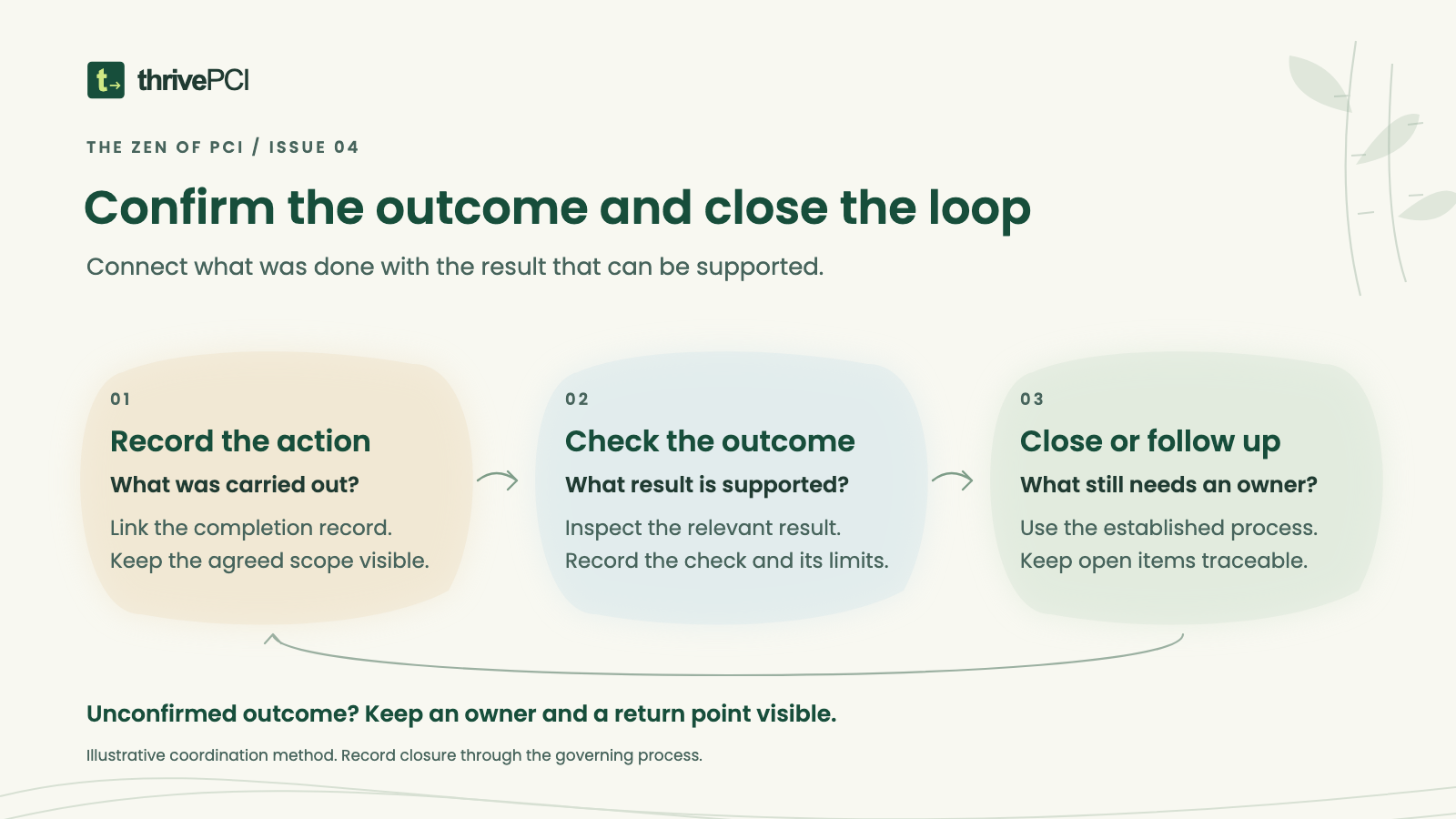
Confirm the outcome and close the loop
A preparation question can reach an authorized decision and still leave work to confirm. Someone agrees on an action. A ticket is assigned. Later, its status changes to complete. The next person reviewing the response needs to understand what happened and whether the intended outcome was checked.
Closing the loop means carrying that explanation through to a supported outcome, including anything that remains open. It gives the next conversation a useful starting point.
Continue the fictional supplier-access example
In the fictional organization from issue three, the application owner has decided through the established access process that a supplier account’s access should be removed. The preparation lead coordinates the evidence response. The access administrator carries out the agreed action through the organization’s approved process.
The action ticket records a completion time and the person who performed the work. Before treating the response as ready for handover, the team needs to connect that record to the account, permissions, environment, and action that were actually authorized.
The organization’s procedure determines the required checks and who performs them. In this example, the responsible reviewer compares the completion record with a current view of the relevant account state. The preparation lead links the approval, action record, and check in the response index.
Confirm what was agreed
Begin with the action that was authorized. Identify the affected account or component, the intended change, the responsible role, and any conditions attached to the decision. Use identifiers appropriate to the approved evidence channel.
This keeps a general status such as “supplier access removed” connected to the specific work it describes. If the action covered only one account, environment, or access path, preserve that coverage in the explanation. The reviewer can then see what the record supports and where a broader question may remain.
Connect the action record to an outcome check
The completion record explains who performed the work, what they recorded, and when it happened. The outcome check examines whether the intended state is supported at the relevant time. Keep the source, method, date, and responsible role visible for that check.
In our fictional example, the reviewer finds that the targeted application account is disabled. A related record raises a separate question about another access path. The team records that question with an owner and follows its established route for resolving it.
Describe the confirmed result at the coverage the records support. Keep the additional question visible. A reader can then follow both the completed action and the remaining work without assuming they share the same status.
Leave a closure note people can use
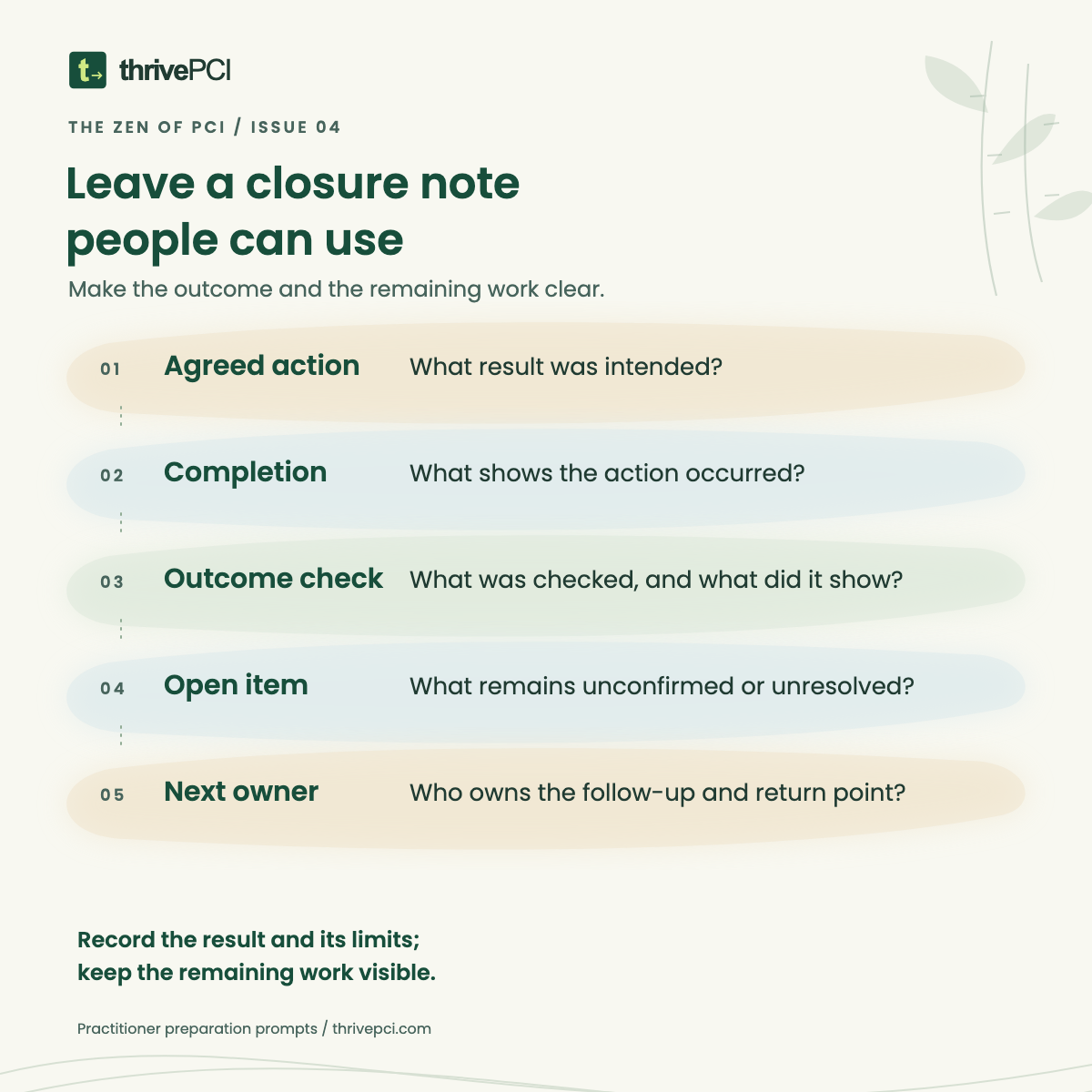
Try five prompts: agreed action, completion record, outcome check, exception or open item, and owner or next step. Link each material statement to its supporting record in the approved location.
A short note might say: “The access administrator recorded completion of the approved action for the account identified in the index. The responsible reviewer checked the resulting account state using the linked record. The related access-path question remains assigned to the service owner, with the return point shown in the action log.”
Use the organization’s approval and recordkeeping process to determine whether an item can be closed. If a check fails, the evidence is insufficient, or confirmation is unavailable, record the gap and return it to the appropriate owner. Escalate through the established route where urgency or the governing process requires it.
Keep the time boundary visible
An outcome check describes what was examined at a particular time and within its stated coverage. Later changes can create new work. Preserve relevant change triggers and recurring obligations alongside the completion record.
The applicable requirement, testing procedures, and assessment context still govern what must be evaluated. This practitioner method helps people organize the explanation; it does not assign an assessment result.
Try a short completion check
Choose one action your team considers complete. Ask a colleague to trace the agreed action, the completion record, the outcome check, and any follow-up from the response index.
Where does that person need an explanation from the original author? Add the missing context. Where does a result still need confirmation? Keep it open with an owner and a return point.
The free thrivePCI Assessment Handover guide offers a fictional case and prompts for practicing a useful response. Start with one completed action, and make its outcome easier for the next person to understand.
Practice with the free Assessment Handover guide (opens in a new tab)